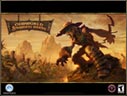
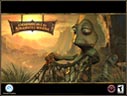
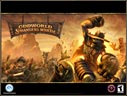
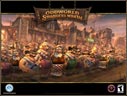
Click the appropriate screen resolution (800x600, 1024x768 or 1600x1200).
When the image comes up in the browser window, right-click on the image.
Right-click the image, then select Set as Wallpaper or Set as Desktop Background.
MAC
Click the appropriate screen resolution (800x600, 1024x768 or 1600x1200).
When the image and hold the mouse button, then Save to your hard drive.
From the Desktop Pictures Control Panel, click Select Picture, then select the saved image.
Click Set Desktop, then close the Control Panel.
02.18.05 Free MP3s Soundtrack Need a little pick me up music when you're not playing Oddworld Stranger's Wrath? Download the complete soundtrack in MP3 format.
01.19.05 Live Ammo Videos Curious about all the wild living ammunitions in Oddworld Stranger's Wrath? Watch the new 5 snippet videos to see the ammo in action.